
Compare Health Gadgets Like a Pro
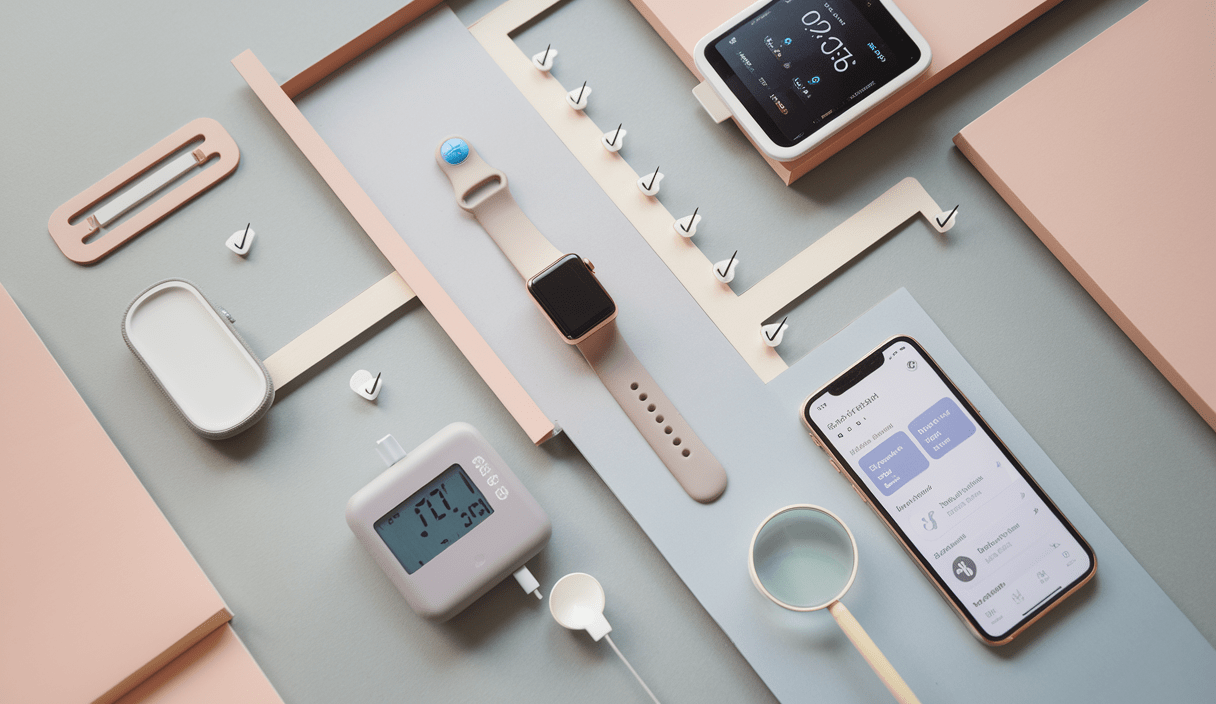
Compare Health Gadgets Like a Pro so you can buy devices that actually help your health, not clutter your life. This guide walks you through the steps, features, and tests to evaluate wearables, monitors, and smart health tools with calm confidence.
Why learning to compare health gadgets matters
Health gadgets are everywhere. From smartwatches to portable ECGs, each promises better insights. But not all devices measure what they claim. Learning how to compare health gadgets helps you pick tools that are accurate, secure, and useful for your goals.
First things first: define your need
Before you compare health gadgets, ask: What problem am I solving?
- Do you want long-term activity tracking or clinical-grade vitals?
- Is portability important, or will it stay on a bedside table?
- Will a device need to sync with your phone or a clinic system?
Clear goals make feature comparisons faster and smarter.
Key criteria to compare health gadgets
Use these practical checks to evaluate devices side-by-side.
1. Accuracy and validation
Accuracy is the top priority. Look for:
- Clinical validation: Peer-reviewed studies or FDA statements.
- User error tolerance: How much does placement or movement affect readings?
- Comparison data: Manufacturer test results or third-party reviews.
2. Data access and privacy
Who owns your data? Can you export it? Prioritize devices with clear privacy policies and export options. If hearing or medical data is involved, check device makers like Apple for integrated health experiences (see Apple’s approach to hearing health for a model of end-to-end solutions): Apple – Hearing Health.
3. Battery and reliability
Battery life affects real-world use. Compare:
- Claimed runtime vs. real-world tests.
- Battery replacement or service options.
- How low-battery behavior affects data capture (does it turn off during sleep tracking?).
4. Interoperability and ecosystem
Does the gadget play well with other apps or services? Check whether it:
- Exports CSV or integrates with health platforms.
- Works with devices or services you already use (phones, health portals).
- Offers an API or open format for future-proofing.
5. Ease of use
A great device is simple to use daily. Test the app workflow, pairing steps, and info clarity. If a gadget is fiddly, you’ll drop it.
Hands-on tests to run before you buy
When possible, try the device or ask for a demo. If you can’t, read real hands-on reviews. Here are specific checks:
- Consistency test: Take three consecutive readings and compare.
- Environment test: Try it in different lighting, temperatures, or during motion.
- Duration test: Run a full battery cycle and note real runtime and charging time.
How to read specifications like a pro
Specs can be misleading. Focus on meaningful numbers:
- Sampling rate (for ECG or PPG devices): higher sampling can mean better waveform fidelity.
- Sensor resolution: For example, heart rate variability needs precise timing.
- Certification: FDA clearance or CE marking is a strong sign of clinical intent.
Compare Health Gadgets Like a Pro: a step-by-step checklist
Use this checklist when deciding between two or more devices.
- Confirm purpose and primary metrics you need.
- Check clinical validation and certifications.
- Test usability: pairing, comfort, and app experience.
- Compare data access options and privacy terms.
- Check battery life in reviews and official specs.
- Confirm compatibility with your phone or health system.
- Read independent reviews and community threads (for technical issues, Atlassian forums show examples of gadget health checks and troubleshooting): Atlassian community – gadget health check.
Budget vs. value: where to invest
Don’t buy the most expensive gadget by default. Spend more on:
- Accuracy (validated sensors)
- Data security and export options
- Long-term support and firmware updates
Save on accessories or single-use sensors that aren’t critical.
Real-world examples and quick comparisons
Let’s look at two short scenarios to illustrate how to compare devices.
Scenario A: Sleep and recovery tracking
If sleep is your main goal, prioritize:
- Validated sleep stage detection and movement artifacts handling.
- Battery life that lasts multiple nights or quick top-ups.
- Data export to a sleep analysis tool or clinician.
Scenario B: Clinical vitals at home
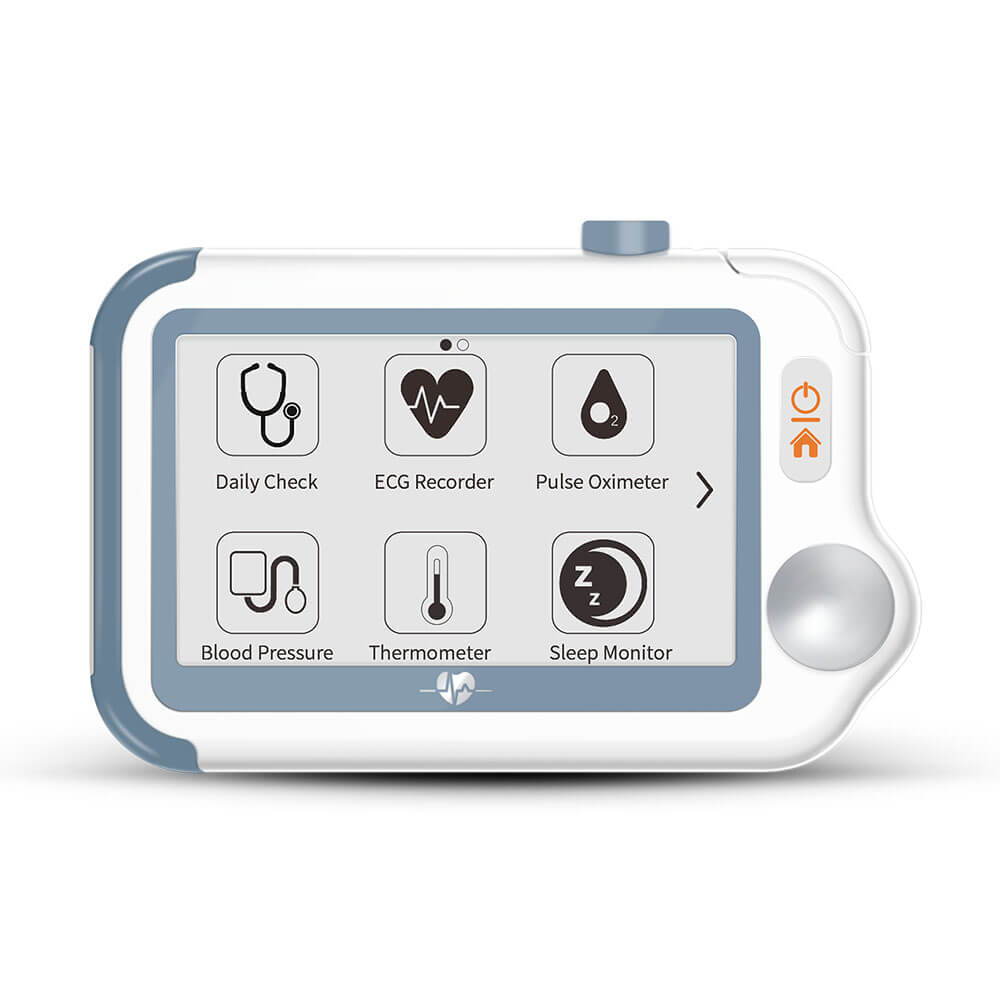
For blood pressure, ECG, or oxygen monitoring:
- Choose devices with medical-grade validation, like home monitors with clinical references.
- Check whether readings can be shared with your provider or exported in a standard format.
- Look for manufacturer support and clear instructions—this matters for accurate, repeatable readings.
Where to research devices and community feedback
Good sources include manufacturer sites, medical journals, and user communities. Use combined evidence—official tests plus real-world reports—to build confidence.
For example, store pages like the Google Store list device specs and availability, which you can cross-check with forum posts about real use: Google Store.
Testing battery health and maintenance
Battery performance can dramatically affect device usefulness. If battery health is important, follow specific checks like those in battery-focused guides. For instance, there are step-by-step explains on checking battery health for devices such as wearables and phones which highlight real-world testing methods: How to check battery health (example resource).

Where to borrow or try devices
If you’re unsure, try before you buy. Many libraries and university tech centers loan gadgets so you can test them in real life. See examples of libraries offering gadgets for checkout: Gadgets for checkout.
Common pitfalls when comparing gadgets
Watch out for these traps:
- Marketing-only claims: flashy features without validation.
- Hidden subscription costs: needed for access to full analysis or cloud storage.
- Lock-in ecosystems: devices that only work with one brand’s cloud, making switching costly.
Further troubleshooting and community help
If you face gadget issues, community forums often have practical fixes. For example, Atlassian forum threads discuss health-check and gadget update problems to troubleshoot display and sync issues—useful when a gadget dashboard or widget doesn’t update properly: Atlassian – Sprint Health Check gadget troubleshooting.
Final comparison checklist
Before you click buy, run this short final check:
- Does it meet your primary need?
- Is there clinical evidence or clear validation?
- Are data and privacy policies acceptable?
- Do reviews and community posts agree with the official claims?
- Does it fit your budget including subscriptions?
Summary: How to Compare Health Gadgets Like a Pro
Comparing health gadgets is about clear goals, careful testing, and smart research. Keep the focus on accuracy, data control, and long-term value. Use the step-by-step checklist in this guide to compare devices and choose ones that truly support your health.
Watch: Quick visual guide
Below is a short video to help visualize the comparison steps and hands-on tests.
Video: How to Compare Health Gadgets – Quick Guide
FAQ
How often should I recalibrate or check a health gadget?
It depends on the device. For clinical monitors, follow the manufacturer schedule—often yearly or upon firmware updates. For consumer wearables, do a simple consistency check every few months: take multiple readings and compare against a trusted baseline.
Can I rely on consumer wearables for medical decisions?
Use caution. Consumer devices can give useful trends but are not always clinically validated. For medical decisions, rely on devices with clinical evidence or consult your healthcare provider. Devices like those following end-to-end hearing health models show how strong validation and integrated care improve trust: Apple hearing health.
What if a gadget stops syncing or updating?
First, check firmware and app updates. If the problem persists, search community forums for similar cases—many users post fixes for sync issues. For dashboard gadget problems, Atlassian forums include troubleshooting threads that may help: Atlassian troubleshooting.
Ready to compare with confidence? Start by listing your top health goals, then use this guide to test two gadgets side-by-side. Explore more practical guides and deep dives on zenpulsehub.com to build a smart personal health toolkit.