


Digital Detox: Reduce Screen Fatigue Today
Digital Detox is a practical, proven approach to reduce screen fatigue and reclaim focus, sleep quality, and calm. In this guide you’ll find simple steps, science-backed tips, and tools to make a digital detox realistic for busy lives.
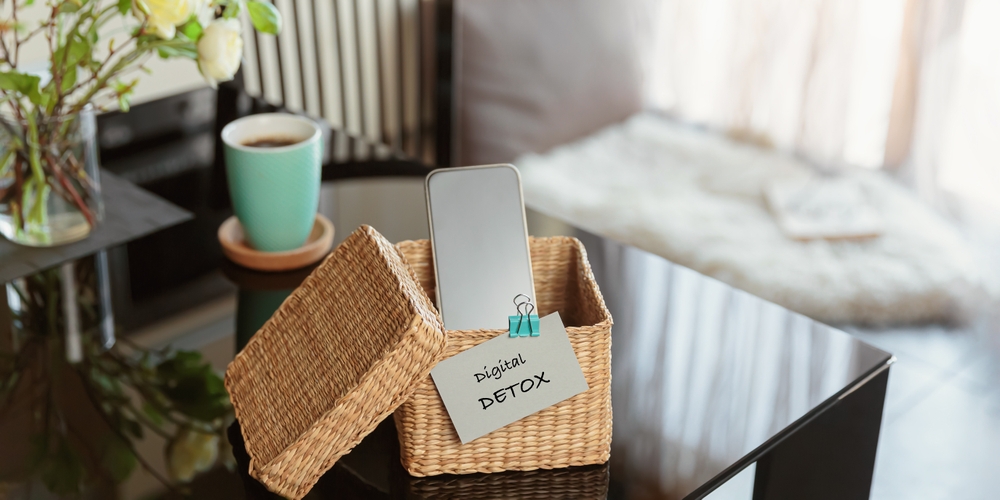
Why a Digital Detox Works
Long stretches in front of screens cause eye strain, headaches, sleep disruption and mental fog. A targeted Digital Detox reduces sensory overload and helps your body and mind recover. Research and practical guides show clear benefits when you step away from screens on purpose.
The science behind screen fatigue
Prolonged screen time stresses the ocular system and the brain’s attention networks. Symptoms include dry eyes, blurred vision, neck and shoulder tension, and trouble falling asleep. If you want a quick science read, check guides that link reduced eye strain to time away from screens, like this piece on eye health: From Screen Time to Green Time: How Digital Detox Can Improve Your….
Signs you need a Digital Detox
- Frequent headaches after device use
- Dry, irritated, or tired eyes
- Difficulty focusing or frequent mental fatigue
- Poor sleep or trouble winding down at night
- Feeling anxious or restless when not checking your phone

Simple Digital Detox Plan (start today)
The goal is to reduce screen fatigue without upending your life. Try this step-by-step plan over one week:
- Day 1 — Audit: Track how many hours you spend on each device and which apps are most time-consuming.
- Day 2 — Rules: Pick 2-3 rules (phone-free meals, no screens 30 minutes before bed, disable notifications for non-essential apps).
- Day 3 — Micro-breaks: Use the 20-20-20 rule: every 20 minutes look at something 20 feet away for 20 seconds. This relaxes eye muscles and reduces strain — a tip also highlighted in eye-care resources like the WMC Health guide: Digital Detox: Balancing Screen Time and Sunshine.
- Day 4 — Replace: Swap one hour of recreational screen time for a green or active alternative (walk, gardening, reading paper books).
- Day 5 — Social check: Plan a phone-free meetup or activity with a friend.
- Day 6 — Tech tools: Use built-in settings and apps to limit screen use; see the AI and tool section below for modern helpers.
- Day 7 — Review: Check mood, sleep, energy, and eye comfort. Adjust your rules and repeat the cycle.
Quick wins to reduce screen fatigue
- Switch to dark mode in low-light conditions.
- Enable blue light filters in the evening.
- Set app limits on social and streaming platforms.
- Designate phone-free zones like the bedroom and dining area.
Tools and tactics: make the detox stick
Small, repeatable tactics reduce screen fatigue sustainably. Here are practical options that fit different lifestyles.
Built-in device features
- Use Screen Time (iOS) or Digital Wellbeing (Android) to set app limits.
- Turn off non-essential notifications to reduce constant attention switching.
- Auto-schedule Night Shift or similar blue-light filters in the evening.
Therapies and behavior change
Behavioral approaches like CBT can help change the thoughts and habits that keep us glued to screens. For structured guidance and therapy-informed options, see resources like OneBright’s overview of digital fatigue and CBT approaches: Reducing Screen Time Using CBT Therapy.
New tech helpers
Emerging tools can support a detox by making time away easier to manage. From app blockers to personalized nudges, platforms are responding to the rising demand to reduce screen fatigue. Read how brands are responding to the movement here: New data shows a digital detox movement.
How a Digital Detox helps your eyes and sleep
Stepping back from screens gives both your eyes and circadian rhythm a chance to recover. Eye-care specialists recommend regular breaks to reduce strain and encourage blinking. For practical eye-health tips linked to leisure in nature, see this overview on eye strain and green time: From Screen Time to Green Time.
Simple eye care habits
- Practice the 20-20-20 rule described above.
- Use lubricating eye drops if recommended by a professional.
- Adjust screen brightness and contrast to match ambient light.
AI and smarter tools for an easier detox
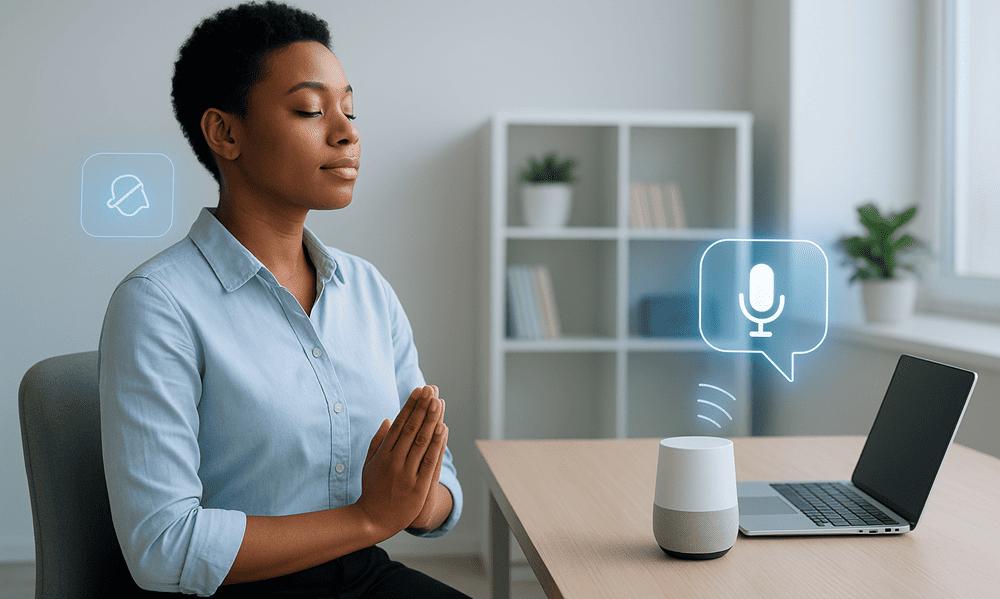
Technology can also be part of the solution. There are tools that detect usage patterns and suggest breaks, automatically switch apps off at times you choose, or nudge you into offline activities. These modern helpers can reduce the friction of change while keeping you in control.

Examples of helpful tools
- App timers and focus modes built into phones and laptops.
- Browser extensions that block distracting sites during work hours.
- Wearables that remind you to stand, blink, or take a breath break.
Real-world success stories
People who adopt a short, repeatable detox pattern often report clearer thinking, fewer headaches, and better sleep. Some choose weekly phone-free evenings; others take longer weekend detoxes to reset. Even small, consistent changes lead to measurable improvements in mood and productivity. For practical community-level tips, see how health services recommend blending screen time with sunshine: Digital Detox: Balancing Screen Time and Sunshine.
Common obstacles and how to solve them
It’s normal to meet resistance. Expect these common challenges and the easiest fixes:
- Work demands: Communicate clear availability windows and use auto-replies outside those times.
- Fear of missing out: Schedule short check-ins rather than constant monitoring.
- Habitual scrolling: Replace the habit with a 5-minute walk or a breathing exercise.
Where to go next: Guided help and resources
If you want a structured program, therapy-informed approaches like CBT for tech habits can help. OneBright provides accessible guidance on combining therapy techniques with practical limits: Reducing Screen Time Using CBT Therapy. Eye-health clinics and community health sites also offer targeted tips for reducing screen strain in daily life: Digital Detox for Spring.
Watch: Quick digital detox tips
Keeping momentum after your first detox
After your initial experiment, pick one habit to keep for a month. Consistency beats intensity. Track sleep quality and energy as your main measures. If you see progress, build slowly by adding one new rule or swapping one more hour of screen time for green time each week.
Final takeaways
Digital Detox doesn’t mean abandoning useful tech — it means using technology intentionally so you feel better and do more of what matters. Reduce screen fatigue with simple changes, supportive tools, and realistic rules. Start small, be kind to yourself, and celebrate wins.
Ready to try a detox? Start with one phone-free meal today.
Further reading and resources: Nuvoodoo on the digital detox movement • Dr Simon Skalicky on green time • WMC Health guide • OneBright CBT guide • Baptisteye tips.
FAQ
What is a Digital Detox?
A Digital Detox is a deliberate break from screens and digital media to reduce stress, eye strain and improve sleep and focus. It can be a short daily practice or a longer weekend reset.
How long should I do a detox to see results?
Many people notice small improvements in sleep and eye comfort within a week. For lasting behavior change, try a month with consistent rules like no screens 30 minutes before bed and regular micro-breaks during work.
Will a detox harm my productivity at work?
No. When done sensibly, a detox reduces distraction and actually improves focus. Use scheduled check-ins, set boundaries around notification times, and communicate availability to coworkers to keep workflows smooth.
Where can I find help for eye strain?
Eye-care blogs and clinics offer practical tips like the 20-20-20 rule, proper screen placement and lighting. See resources such as Dr Simon Skalicky’s guide on combining screen habits with green time for eye health.
Want more guides like this? Explore practical wellness and mindful tech tips at zenpulsehub.com and start your next mini-detox today.